We Deployed a Private AI System for a Law Firm. Here's What Happened.
A detailed case study of deploying private AI infrastructure for a 12-attorney law firm in the Inland Northwest. The problem, the build, the results, and what we learned — from discovery to production.
This is the story of a private AI deployment for a regional law firm — from the first phone call to production. We're sharing more detail than the summary on our homepage because this is what the process actually looks like, and managing partners evaluating this decision deserve to know exactly what they're getting into.
Client identity is confidential. We protect our clients' information the same way we protect their data.
The firm
A 12-attorney law firm in the Inland Northwest. Practice areas: real estate, business formation, estate planning, and commercial litigation. The firm uses Clio for practice management and had no formal AI policy in place.
The problem
The managing partner called us because he'd discovered — almost by accident — that at least four members of his team were using ChatGPT regularly with client data.
A paralegal had been summarizing deposition transcripts by pasting them into ChatGPT. An associate was using Claude to draft motions, including case-specific facts and client names. Another paralegal was uploading contracts to ChatGPT for initial review. A legal assistant was using AI to draft client correspondence with case details.
None of them thought they were doing anything wrong. The productivity gains were significant — the paralegal estimated she was saving 2-3 hours per day using AI for document work. The associate said Claude helped him draft motions in half the time.
The problem: every one of those interactions sent privileged client data to OpenAI or Anthropic's servers. The firm had no AI usage policy. No data classification framework. No technology controls. And four people (at minimum — probably more) had been doing this for months.
The managing partner's immediate concern was malpractice exposure and potential privilege waiver. His longer-term concern: he couldn't ban AI because his team was genuinely more productive with it. He needed a solution that gave them the tools without the risk.
The audit (Days 1-3)
Day 1: Discovery
We sent the customized intake questionnaire 48 hours before the discovery session. It covers practice areas, team size and roles, technology stack, document volume, current AI usage (self-reported), and specific workflow pain points.
The 90-minute discovery session revealed more than the questionnaire. Through conversation, we mapped:
- Document volume: The firm processed approximately 200 contracts per month, plus correspondence, motions, memos, and case files
- Intake volume: 15-20 new client intakes per week
- AI usage: Broader than the managing partner knew. At least 6 team members were using AI tools regularly. Total estimated: 40+ hours per week of AI-assisted work, all going through cloud tools
- Key pain points: Contract review (90 minutes average), client intake (45 minutes per new matter), internal knowledge retrieval ("I know we handled something like this before but I can't find it"), and document drafting (45-60 minutes for standard documents)
Days 2-3: Research and prototype
We spent 48 hours on:
- System architecture design — Hardware specs, model selection, network configuration, Clio integration approach, hybrid routing rules for this firm's specific data types
- Security assessment — Evaluation of the firm's current data handling, network configuration, and physical security
- Data classification framework — Mapping every data type the firm handles into Public / Internal / Confidential / Restricted tiers
- AI usage policy — A complete, firm-specific policy covering approved tools, data classification, prohibited actions, incident reporting, supervision requirements, and consequences
- Working prototype — A functional contract review system running on our development hardware, configured with the firm's actual standard terms. We pulled a redacted sample contract from the discovery session and built the prototype to analyze that exact document type
Delivery call
The 90-minute delivery call covered:
- Live prototype demo: We showed the contract review system analyzing a sample real estate purchase agreement in real time. The system identified 14 deviations from the firm's standard terms, flagged 3 risk clauses, and generated a summary memo — in 28 seconds. The managing partner's reaction: "My associate spent 90 minutes on this exact analysis last week."
- Written deliverables: AI Operations Report, security assessment, data classification framework, AI usage policy, and the Phase 1 Build Recommendation with exact pricing
- Build proposal: Foundation platform + three modules (Contract Review, Client Intake, Institutional Memory) + Clio integration. Total: $23,200 including hardware
The firm approved the build on the delivery call.
The build (Days 4-14)
Hardware deployment (Day 4)
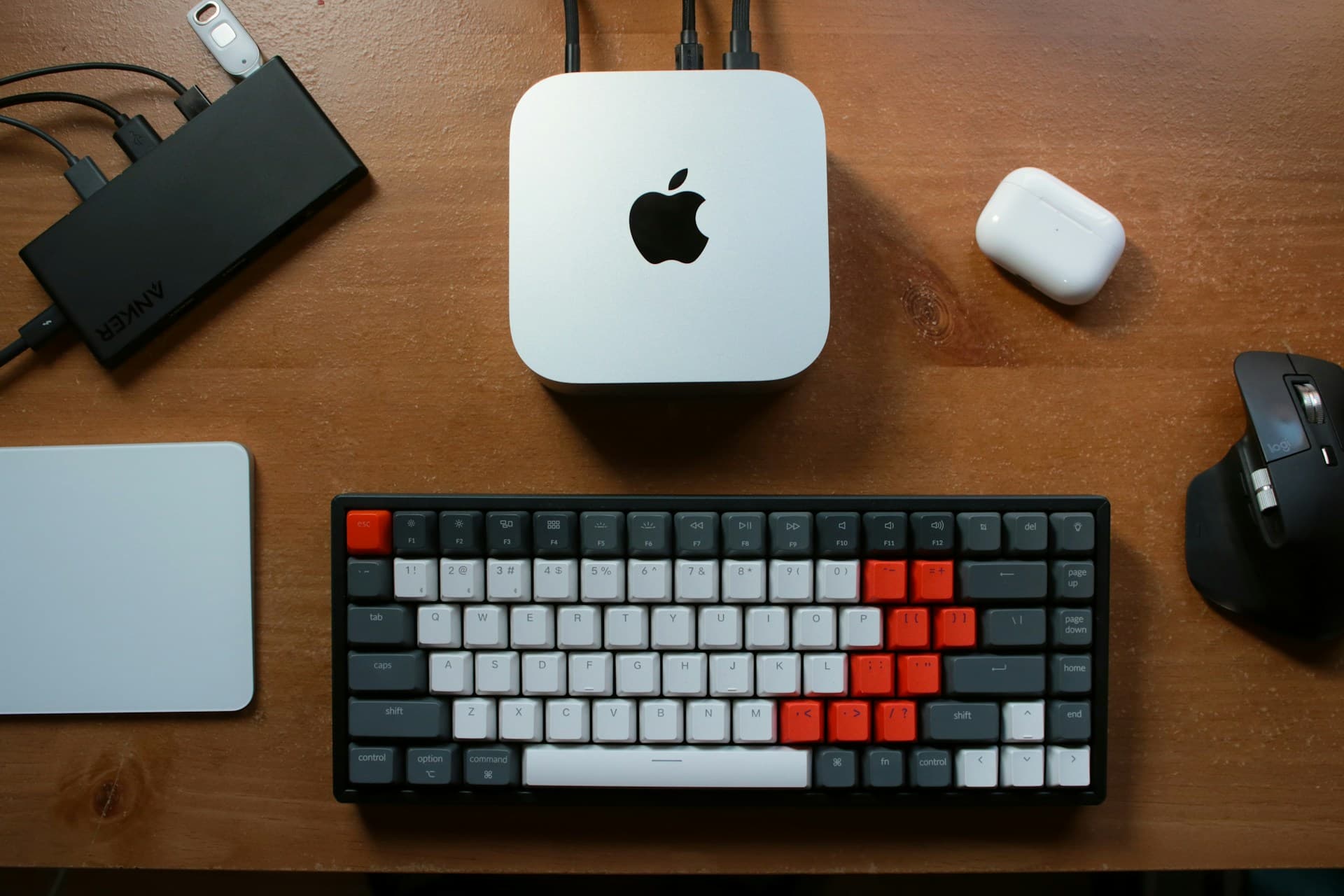
Mac Mini M4 Pro (48GB) procured and delivered. Physical installation in the firm's server room: network connection, power, physical security. Total hardware cost at our procurement pricing: $1,694.
Model installation and configuration (Days 4-5)
DeepSeek-R1 32B (quantized) installed as the primary local model via Ollama. This model was selected for its strong performance on document analysis, structured data extraction, and reasoning — the core tasks this firm needed. Secondary model (Mistral) installed as a backup.
Security hardening: Docker sandboxing, firewall rules restricting external connections for the AI processing container, audit logging for every interaction, credential isolation.
Portal development (Days 5-8)
Custom web portal built for the firm's local network. The interface is intentionally simple — it looks and works like ChatGPT because that's what the team already knows how to use. No learning curve. Features:
- Chat interface for general queries
- Document upload for contract review (drag and drop)
- Client intake form integration
- Institutional memory search
- Hybrid routing indicator (subtle badge showing whether a query is being processed locally or via cloud)
Clio integration (Days 7-9)
The client intake module connects to Clio's API. When a new client intake is processed:
- AI extracts key facts from the intake form or call transcript
- Conflict check runs against existing Clio contacts
- Matter type is classified
- A new matter is created in Clio with structured data populated
- The responsible attorney is assigned based on practice area and capacity
Hybrid routing configuration (Days 8-10)
The routing layer classifies each request based on:
- Content analysis: Does the query contain client names, case numbers, financial figures, or other privileged/confidential indicators?
- Document type: Was a client document uploaded?
- User context: Which module is the user working in?
Privileged and confidential content routes to the local DeepSeek model. General legal research, public information queries, and non-privileged work routes to Claude API for maximum quality. The user doesn't think about it — the system handles classification automatically.
Knowledge base setup (Days 9-12)
The institutional memory module required ingesting the firm's historical documents:
- 5 years of case memos and internal correspondence
- Standard form templates and engagement letters
- Meeting notes and strategy documents
- Prior work product organized by practice area
Documents were processed into embeddings and stored in a local vector database. The RAG (Retrieval-Augmented Generation) system indexes everything and makes it searchable through natural language queries.
Staff training (Day 13)
Two training sessions — one for attorneys, one for support staff. Each covered:
- How to use the portal (minimal training needed — it works like ChatGPT)
- The firm's new AI usage policy
- Data classification: what goes in the private portal vs. what can use cloud tools
- Hands-on practice with contract review, intake, and knowledge base search
- How to report issues or unexpected results
Go-live (Day 14)
System live on the firm's network. All 12 attorneys and 8 support staff with access. 14-day hypercare period begins.
The hypercare period (Days 14-28)
This is where a deployment goes from "new tool" to "how did we work without this."
Week 1 adjustments:
- Tuned the contract review prompts based on the types of contracts the firm actually processes most frequently (real estate purchase agreements, commercial leases, and business formation documents)
- Added the firm's specific standard terms library so the system compares against their actual precedent, not generic legal standards
- Adjusted the intake conflict check sensitivity — it was flagging too many false positives on common names
Week 2 adjustments:
- Expanded the institutional memory with additional document categories the team requested
- Tuned the hybrid routing threshold after observing actual usage patterns — some queries that should have stayed local were routing to cloud because the content analysis didn't recognize certain practice-specific terminology as confidential
- Added custom document templates to the drafting module
The results (after 90 days)
Time recovered
| Workflow | Before | After | Weekly savings |
|---|---|---|---|
| Contract review | 90 min per contract | 30 seconds + attorney review | 12-15 hrs/week |
| Client intake | 45 min per new matter | 5 min (AI + human review) | 6-8 hrs/week |
| Document search | 15-30 min per query | Seconds | 3-5 hrs/week |
| Document drafting | 45-60 min per document | 5-10 min (AI draft + review) | 5-8 hrs/week |
| Total | 26-36 hrs/week |
Financial impact
At the firm's average billing rate of $325/hour:
- Recovered capacity: 26-36 hours/week × $325/hour × 50 weeks = $422,500 – $585,000/year in potential billable time
- Actual recovered billing (conservative estimate at 50% utilization): $211,000 – $292,500/year
- Total first-year investment: ~$70,000 (build + 12 months managed services)
- First-year ROI: 4:1 to 5.6:1
Compliance impact
- Client data sent to external AI servers since deployment: 0 bytes
- AI usage policy: Adopted and signed by all 20 staff members
- Audit trail: Complete log of every AI interaction on firm hardware
- Shadow AI usage: Eliminated — the private portal is faster and more capable than the cloud tools the team was using before
What surprised us
Adoption was faster than expected. We planned for a 2-week adoption curve. By day 3, the contract review module was being used for every new contract. The interface familiarity (it looks like ChatGPT) eliminated the typical enterprise software learning curve.
The knowledge base became the most-used feature. We expected contract review to be the primary use case. Within a month, the institutional memory search was getting more queries than any other module. Attorneys were searching for prior work product, strategy memos, and internal precedent multiple times per day. Five years of accumulated knowledge became instantly accessible.
The managing partner's favorite metric wasn't the time savings — it was the compliance number. "Zero bytes of client data to external servers" became a talking point with clients and in marketing materials.
What we'd do differently
Start the knowledge base ingestion earlier. The document processing for institutional memory took longer than the rest of the build. On future deployments, we start this in parallel with hardware procurement.
Include more document types in the initial training set. The contract review module performed best on the document types we specifically trained it on during the build. Expanding to cover the firm's full range of documents earlier would have accelerated adoption.
Set hybrid routing thresholds more conservatively at launch. We initially set the routing to be permissive toward cloud (send it to cloud unless it's clearly confidential). The firm preferred the opposite: keep everything local unless it's clearly non-sensitive. We adjusted, but setting conservative defaults from day one would have been better.
What this means for your firm
This deployment was for a 12-attorney firm in the Inland Northwest. Your firm is different — different practice areas, different volume, different technology stack. But the core architecture is the same:
- Private AI models on hardware in your office
- A web portal your team already knows how to use
- Hybrid routing that keeps sensitive data local
- Integration with your practice management system
- An AI usage policy that protects the firm
The investment starts with a $3,500 AI Operations Audit that includes a working prototype. You see the system running with your actual workflow before you commit to a build.
Book a 15-minute call and we'll discuss what the deployment would look like for your specific practice.
For more on the full private AI solution for law firms: Private AI for Law Firms
For pricing details: How Much Does Private AI Cost for a Small Law Firm?
Want to see what AI can do for your business?
Book a free 15-minute call. We'll tell you exactly what's automatable — and what isn't.
Schedule a 15-Minute Fit Call